Setting up
Setting up a home desk the way the DSE rules describe
The Display Screen Equipment Schedule is a short checklist, not a manual. Here is what it requires, plus HSE's own figures on how often to break.
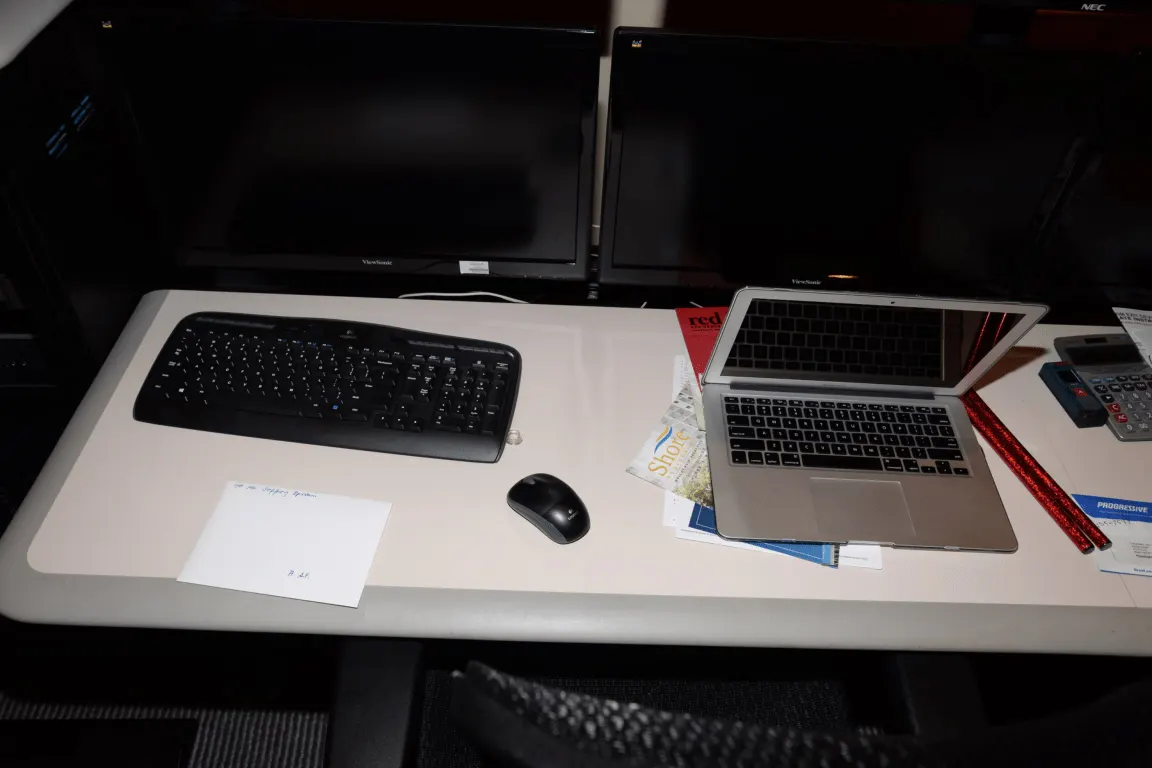
Most home-desk advice is invented. There is, however, a short legal description of what a workstation has to provide, written as the Schedule to the Health and Safety (Display Screen Equipment) Regulations 1992, and separate HSE guidance on breaks that gives an actual interval.
This guide works through both, and then through the order in which to set a desk up, because the adjustments interact: chair height sets forearm angle, which sets whether a footrest is needed, which sets whether the screen is at the right height. Nothing here has been tested on this site; it is the published requirement plus the geometry it implies.
What the Schedule actually requires
The Schedule is short and checkable. On the screen, characters must be well defined and clearly formed, of adequate size and spacing, the image stable and free of flicker, and brightness and contrast easily adjustable by the user. On the keyboard, it must be tiltable and separate from the screen, with sufficient space in front of it to support the hands and arms, and a matt surface to avoid glare.
On the desk, the Schedule requires a sufficiently large, low-reflectance surface allowing a flexible arrangement of screen, keyboard, documents and related equipment, and a document holder that is stable, adjustable and placed to minimise uncomfortable head movement. On the chair, it requires stability, freedom of movement, an adjustable seat height, a backrest adjustable in height and tilt, and a footrest on request.
Two environmental clauses are the ones people forget at home. Lighting must give satisfactory contrast between screen and background without disturbing glare, and windows must be fitted with an adjustable covering to attenuate the daylight falling on the workstation. A desk facing a bare south-facing window fails that clause every afternoon.
| Element | What the Schedule requires | What to check at home |
|---|---|---|
| Screen | Stable image, adjustable brightness and contrast | That you can change both without a vendor utility |
| Keyboard | Separate, tiltable, matt, space in front for hands | About 10 cm of clear desktop in front of it |
| Desk | Large, low-reflectance, flexible arrangement | That a document can lie open beside the keyboard |
| Chair | Adjustable seat height, backrest adjustable in height and tilt | That the backrest moves up and down, not only back |
| Footrest | Available on request | Whether your feet reach the floor at working height |
| Window | Adjustable covering to attenuate daylight | A blind on any window in front of or behind the screen |
Set it up in this order
Chair first, then desk relationship, then screen, then everything else. Raise the chair until your forearms are roughly level with the desktop with your shoulders down. If your feet then leave the floor, that is the footrest case the Schedule describes, not a signal to lower the chair again.
Then set the screen. The top of the panel at roughly eye level and the panel about an arm's length away is the usual starting geometry, which on a 70 cm desk means a 27-inch monitor sitting against the back edge rather than pulled forward. Adjust the tilt so the panel faces your eyes rather than the ceiling.
Only then deal with the keyboard, the mouse and the documents, because each of those is placed relative to a seated position you have already fixed. Setting them first guarantees a second pass.
- Set the chair height so forearms sit roughly level with the desktop
- Add a footrest if your feet no longer reach the floor
- Set the backrest height so its curve meets the small of your back
- Move the screen so the top of the panel is roughly at eye level
- Set brightness and contrast against the room, not against the factory default
- Place the keyboard with about 10 cm of clear desk in front of it
- Bring the mouse within the same arc as the keyboard, not beyond it

Breaks: HSE gives an interval, not a rule
HSE does not prescribe a universal break length, but it does publish a comparison. Its guidance states that short, frequent breaks are more satisfactory than occasional longer ones, and gives the example that a 5 to 10 minute break after 50 to 60 minutes of continuous screen or keyboard work is likely to be better than a 15 minute break every 2 hours.
The reasoning is in the same guidance: breaks should be taken before the onset of fatigue rather than to recover from it, and the timing of the break matters more than its length. That turns the question from how long to how often, which is a far easier thing to arrange at home.
A break also has to reduce the workload at the screen rather than move it. Answering messages on a phone for 10 minutes is not a break from display screen work in any sense the guidance recognises.
| Pattern | Breaks in 8 hours | Minutes away from the screen | HSE's comparison |
|---|---|---|---|
| 5 to 10 minutes after 50 to 60 minutes | 7 or 8 | 35 to 80 minutes | Likely to be better |
| 15 minutes every 2 hours | 4 | 60 minutes | The pattern it is compared against |
HSE's own wording is that short, frequent breaks are more satisfactory than occasional longer ones, and that breaks should come before fatigue sets in rather than after.
Working from home does not remove the duty
The DSE Regulations can apply to workers who work at home permanently or on a long-term basis, and to those who routinely split their time between a workplace and home. Where they apply, HSE's position is that a DSE assessment should be carried out for the individual worker, and that home workers need extra training and information precisely because they are not under immediate supervision.
HSE's own homeworking guidance is deliberately short on numbers and clear on the goal: that those working at home can achieve a comfortable, sustainable posture. It points to its DSE workstation checklist rather than prescribing distances, which is why the measurements in this guide are presented as a starting geometry rather than as a standard.
Hybrid work makes this ordinary rather than exceptional. The Office for National Statistics found 28% of working adults in Great Britain hybrid working between January and March 2025, and 34% of full-time workers, so a large share of UK desks are now subject to that assessment rather than to nothing at all.
Before you buy
- Raise the chair until your forearms sit roughly level with the desktop
- Add a footrest if your feet leave the floor at that height
- Set the backrest height so its curve meets the small of your back
- Put the top of the screen at roughly eye level and tilt it towards your eyes
- Leave about 10 cm of clear desk in front of the keyboard
- Fit a blind or covering to any window in front of or behind the screen
- Set a break for every 50 to 60 minutes rather than one every 2 hours
Questions readers ask
- Can I work from a laptop on its own all day?
- Not and meet the Schedule, which requires a keyboard separate from the screen and tiltable. A laptop puts the two in one plane, so either the screen is too low or the keyboard is too high. A stand plus an external keyboard and mouse is the cheapest way to satisfy that clause, and it costs less than most chairs.
- Does the law say how far away the screen should be?
- No. The Schedule describes qualities rather than distances: a stable image, adjustable brightness and contrast, a screen that can be tilted and swivelled to suit the user. The arm's-length starting point in this guide is a convention, which is why it is presented as something to adjust from rather than as a requirement.
- Is a dining chair acceptable for a few hours a week?
- It fails the chair description in the Schedule, which asks for adjustable seat height and a backrest adjustable in height and tilt. For an occasional hour that may not matter much; for a hybrid pattern of 2 or 3 full days a week it means the desk height is fixed by a chair that cannot move to meet it.
- How do I know if the break pattern is working?
- HSE's own test is whether the break comes before fatigue rather than after it. If you are reaching for a break because your eyes or shoulders have already gone, the interval is too long, and the fix is a shorter gap rather than a longer break — which is exactly the comparison in the guidance.
- Who is responsible for a home workstation?
- Where the DSE Regulations apply to a home worker, the assessment duty sits with the employer, and HSE notes that home workers need extra training and information because they are not under immediate supervision. For self-employed and personal use, the Schedule still works as the most compact checklist available for setting a desk up.
Sources
- Health and Safety (Display Screen Equipment) Regulations 1992, Schedule — minimum requirements for workstations — checked 2026-11-03
- HSE — Should VDU users be given breaks? (5 to 10 minutes after 50 to 60 minutes of continuous work) — checked 2026-11-03
- HSE — Working with display screen equipment at home — checked 2026-11-03
- Office for National Statistics — Who has access to hybrid working in Great Britain? — checked 2026-11-03
Advertising is not enabled on this site yet. When it is, ads will be labelled and kept visually separate from the guides.