Categories
Browse by question

A second display beside an all-in-one adds working space without needing a deeper desk.Photo: Tran Mau Tri Tam tranmautritam · CC0 · Wikimedia Commons · Open source page How to choose
The decisions that actually change what you end up with.
1 guides

A docked laptop beside two external monitors is the most common way to build a three-screen desk.Photo: Federal Bureau of Investigation · Public domain · Wikimedia Commons · Open source page Comparisons
Like-for-like comparisons on the specifications that matter.
0 guides

An archive portrait of two men in a wood-panelled executive office, with framed pictures and a flag.Photo: Carl Albert Research and Studies Center, Congressional Collection · CC BY-SA 4.0 · Wikimedia Commons · Open source page Budget and prices
What the total comes to once everything is counted.
1 guides
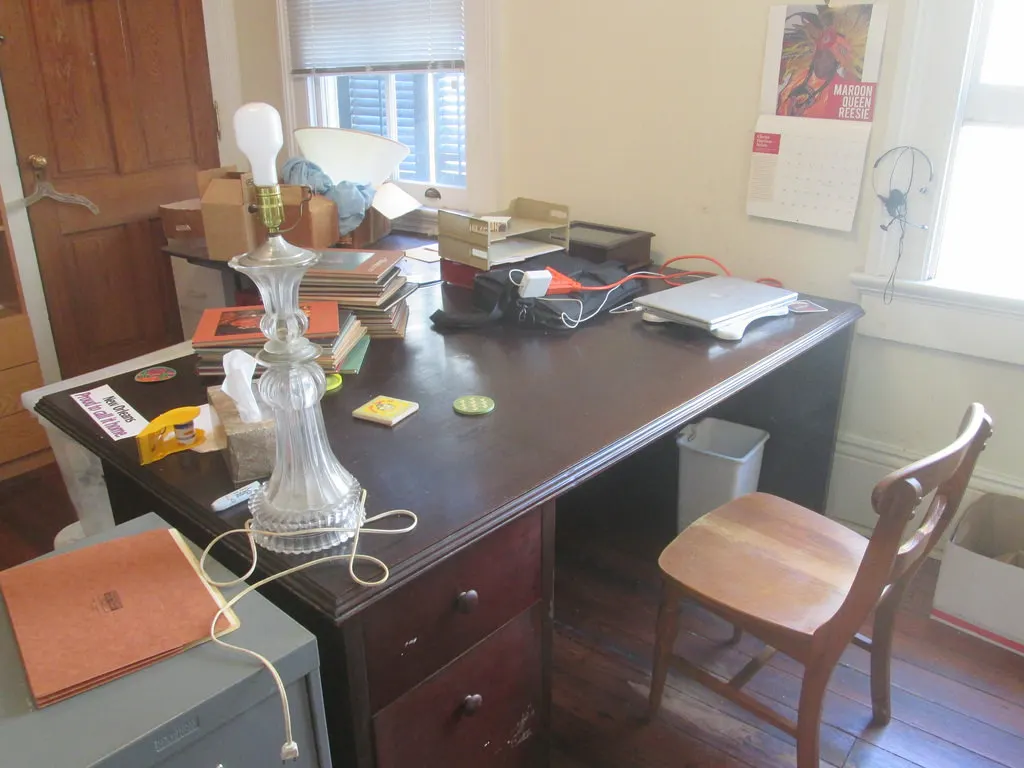
A home desk set up in a spare room, where storage and cable runs usually have to be improvised.Photo: Infrogmation of New Orleans · CC BY 2.0 · Wikimedia Commons · Open source page Setting up
Getting it working properly the first time.
1 guides
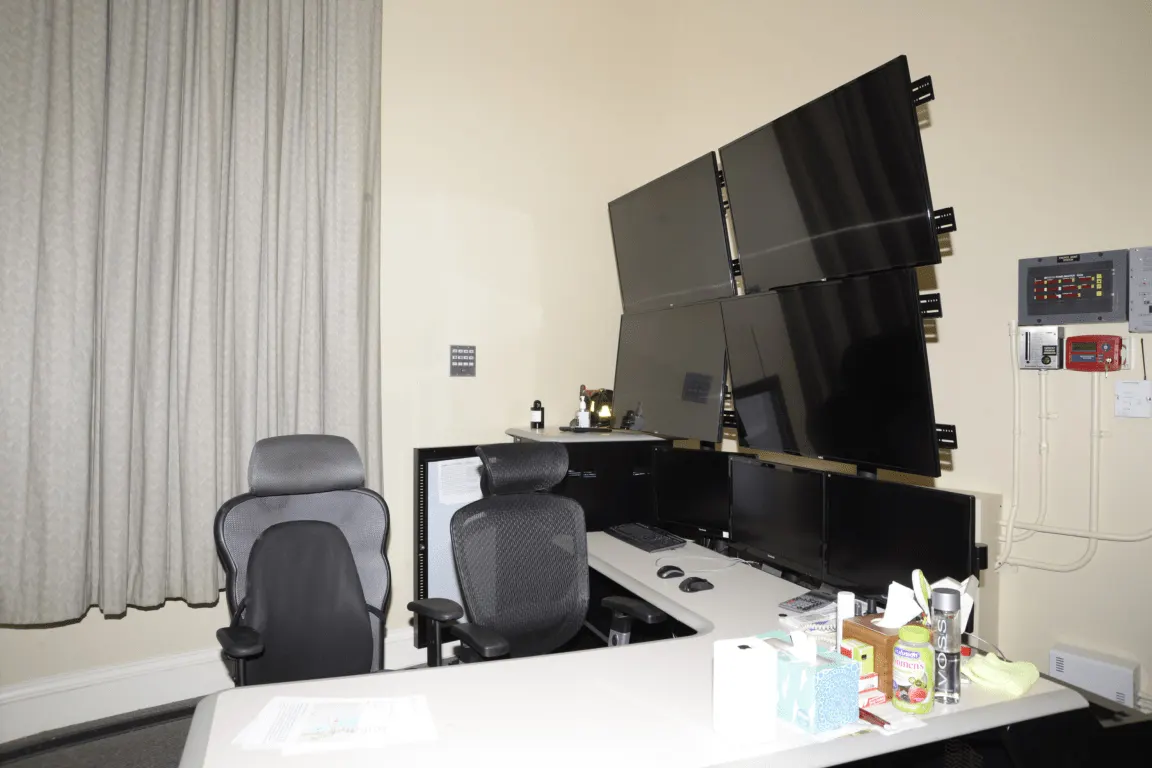
Stacking screens on wall arms clears desk depth, though it demands a sturdy mount and tidy cabling.Photo: Federal Bureau of Investigation · Public domain · Wikimedia Commons · Open source page Performance
What the numbers mean in day-to-day use.
0 guides
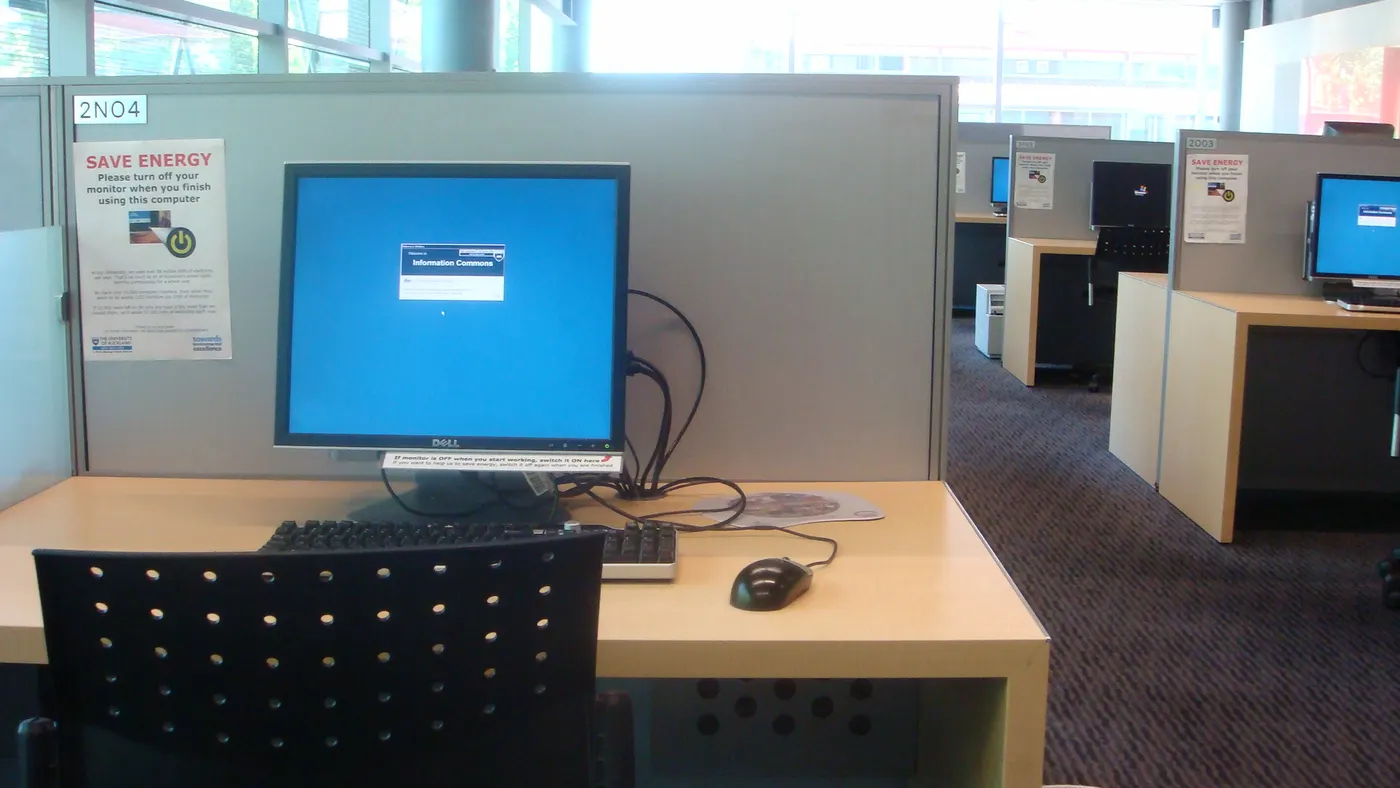
A partitioned carrel keeps a single screen, keyboard and mouse within easy reach in a small footprint.Photo: Richard001 · Public domain · Wikimedia Commons · Open source page Common mistakes
The expensive errors that are easy to avoid.
0 guides